
Assalamualaikum teman2,
Kali ini saya mau coba sharing cara upload NextJs ke share hosting yang menggunakan Direct Admin, harusnya yang pake cPanel sama aja sih kayaknya. Ini juga sebagai catatan buat diri sendiri siapa tau lupa dikemudian hari. :p
Oke, mari kita mulai..
Hal yang harus diperhatikan
- Support NodeJs, kalo gak support ya export sebagai static website aja.
- Support SSH/Terminal
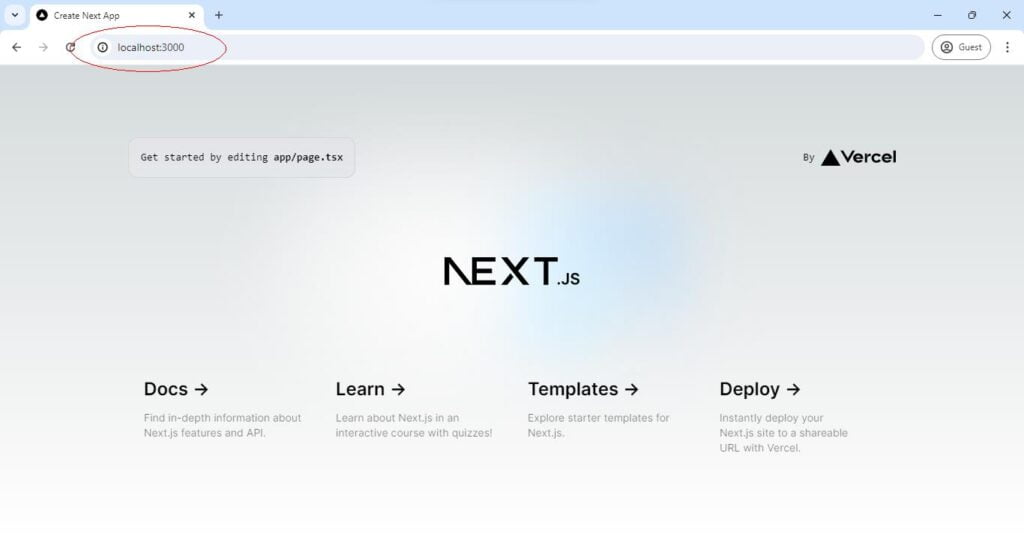
- Pastikan Nextjs Berjalan dengan baik di Localhost
Tambahkan script “server.js”
Buat file “server.js” di aplikasi NextJs yang beriisi:
// server.js
const { createServer } = require('http')
const { parse } = require('url')
const next = require('next')

const dev = process.env.NODE_ENV !== 'production'
const hostname = 'localhost'
const port = process.env.port || 8080
// when using middleware `hostname` and `port` must be provided below
const app = next({ dev, hostname, port })
const handle = app.getRequestHandler()

app.prepare().then(() => {
  createServer(async (req, res) => {
    try {
      // Be sure to pass `true` as the second argument to `url.parse`.
      // This tells it to parse the query portion of the URL.
      const parsedUrl = parse(req.url, true)
      const { pathname, query } = parsedUrl

      if (pathname === '/a') {
        await app.render(req, res, '/a', query)
      } else if (pathname === '/b') {
        await app.render(req, res, '/b', query)
      } else {
        await handle(req, res, parsedUrl)
      }
    } catch (err) {
      console.error('Error occurred handling', req.url, err)
      res.statusCode = 500
      res.end('internal server error')
    }
  }).listen(port, (err) => {
    if (err) throw err
    console.log(`> Ready on http://${hostname}:${port}`)
  })
})
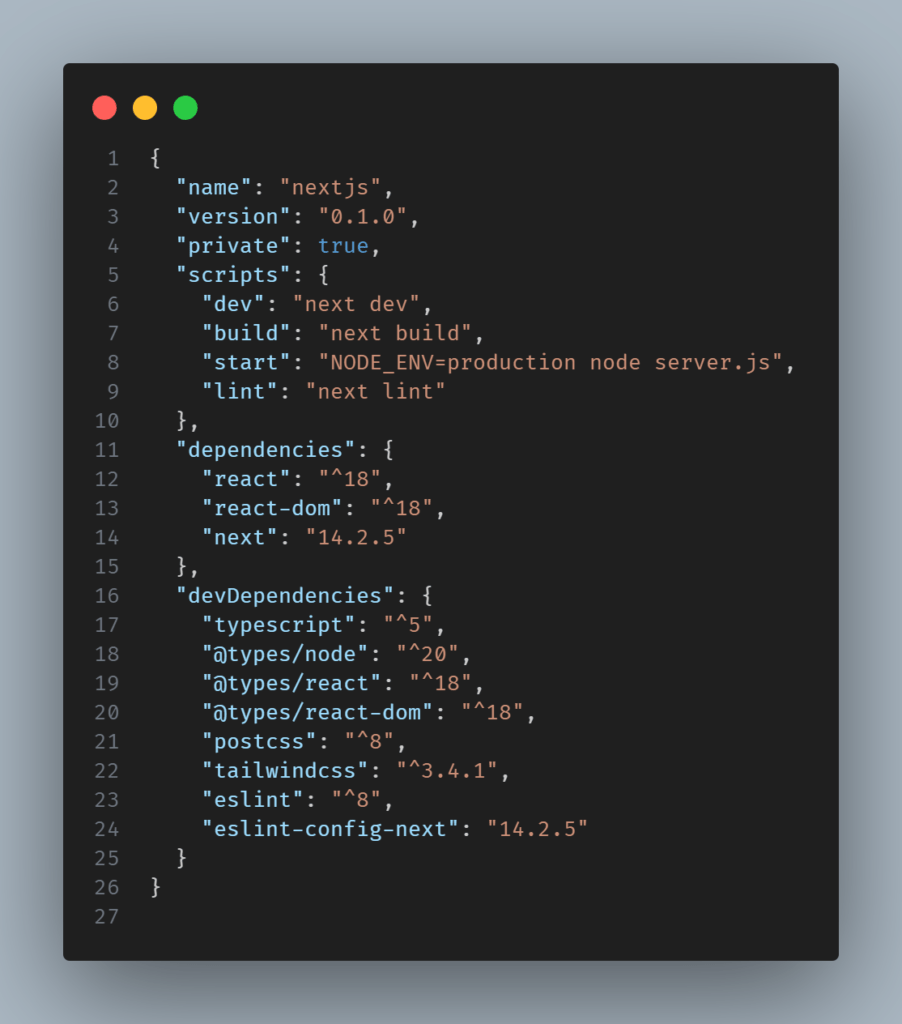
Edit file “package.json”
Edit dibagian “start” dengan script “start”: “NODE_ENV=production node server.js”
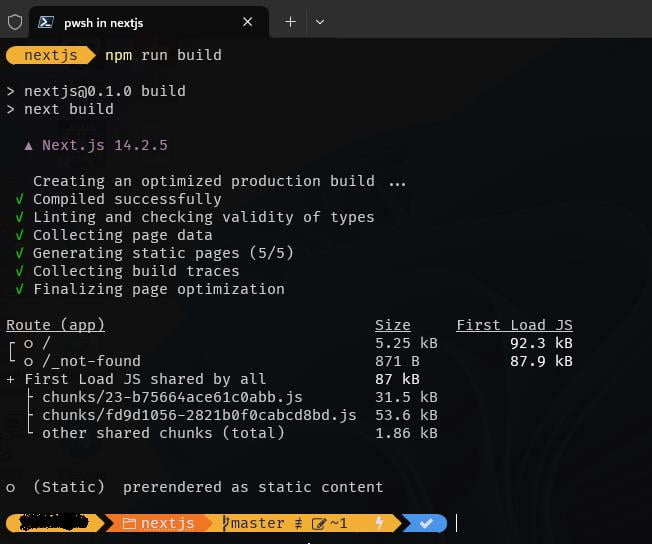
Lakukan “npm run build” di PC/Laptop
Jalankan perintah “npm run build”, saya udah coba ini dijalankan di server tapi gak bisa karena pasti dibatasin sama providernya. Build ini lumayan makan resource soalnya.
Compress Project NextJs
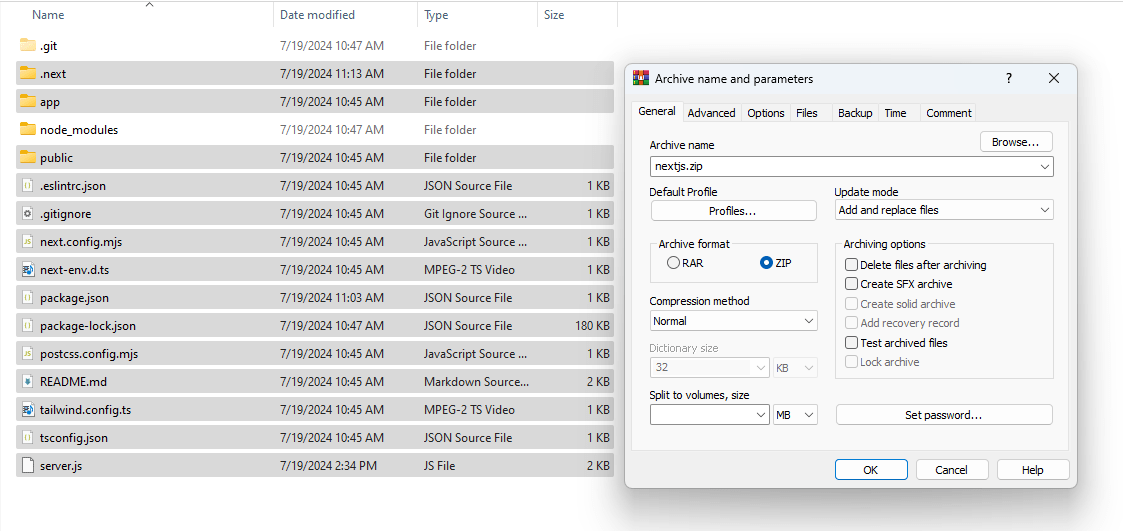
Compress ke format ZIP semua file project NextJS kecuali folder “node_modules”. Pastikan juga semua file yang tersembunyi, terutama folder “.next” harus ada di file ZIP yang mau kita upload.
Setup NodeJs App
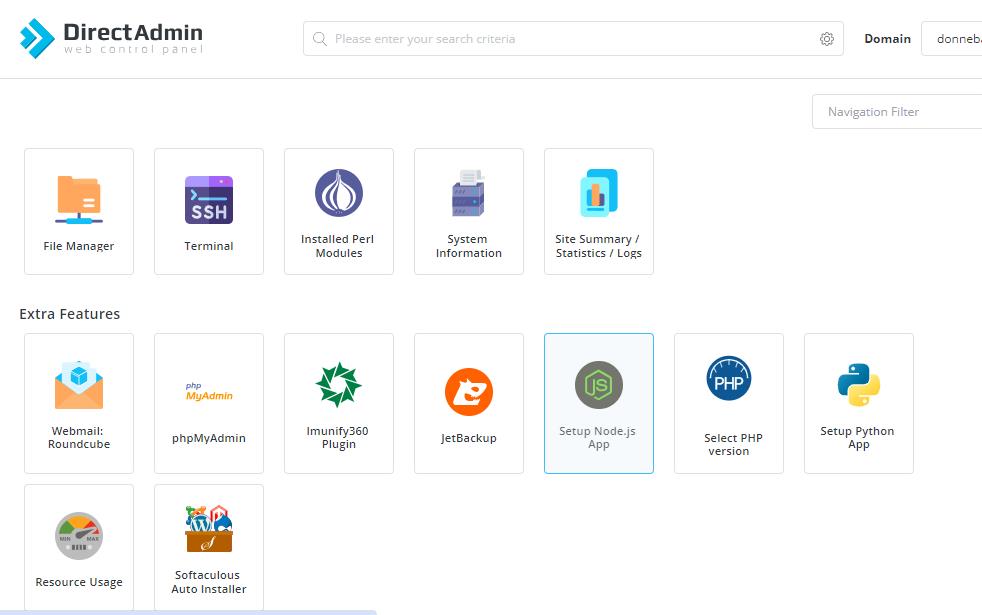
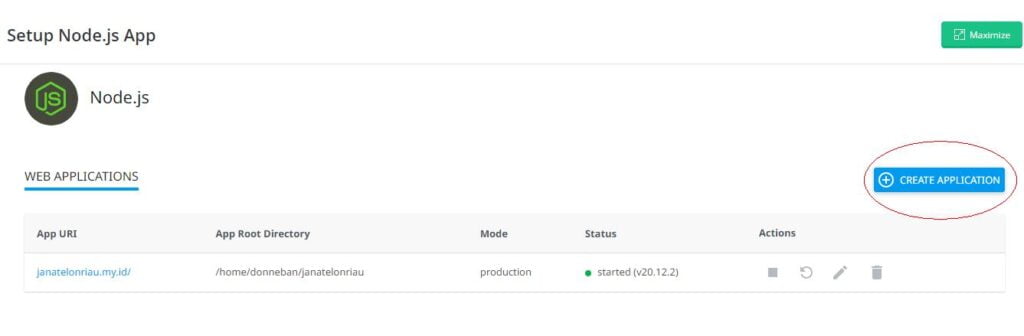
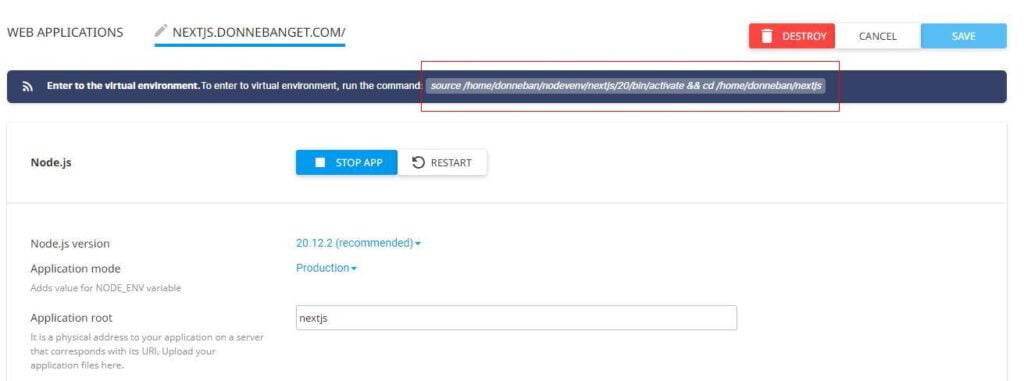
Login ke Direct Admin hosting trus setup “Setup NodeJS App” trus klik “Create Application”.
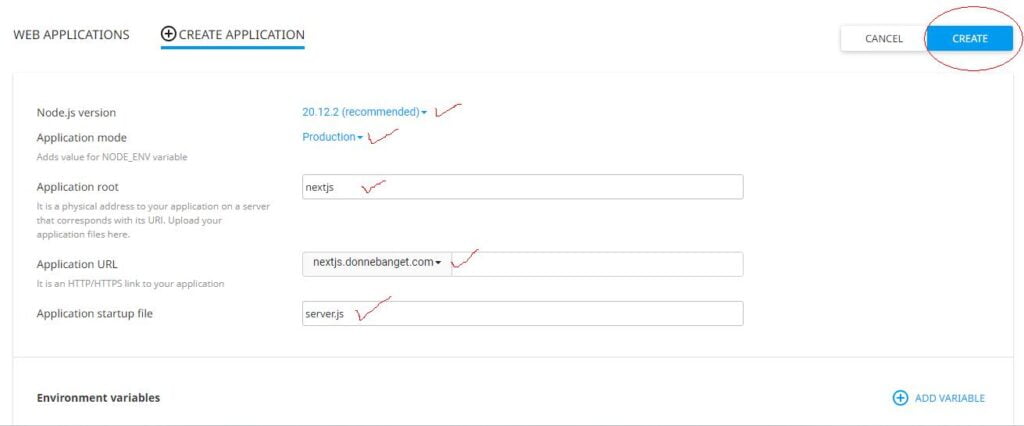
- Pilih NodeJs Version (yang recommended)
- Application mode : Production
- Application root : Bebas mau buat apa yang penting ingat aja, kalo saya buat “nextjs”
- Application URL : disini saya pakai subdomain
- Application startup file : ini file yang kita buat tadi “server.js” diatas
Kalo udah ntar akan muncul notification kayak dibawah ini, ntar itu bisa di click yang akan langsung otomatis copy.
Hapus file yang tidak digunakan
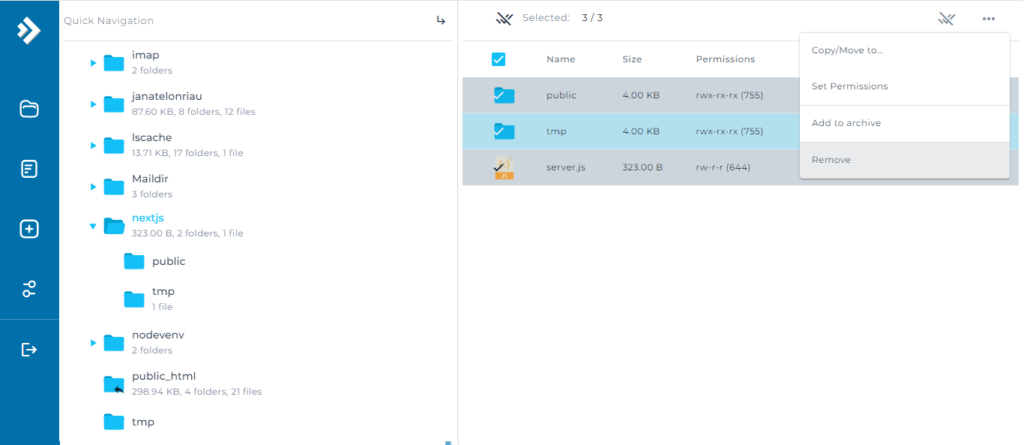
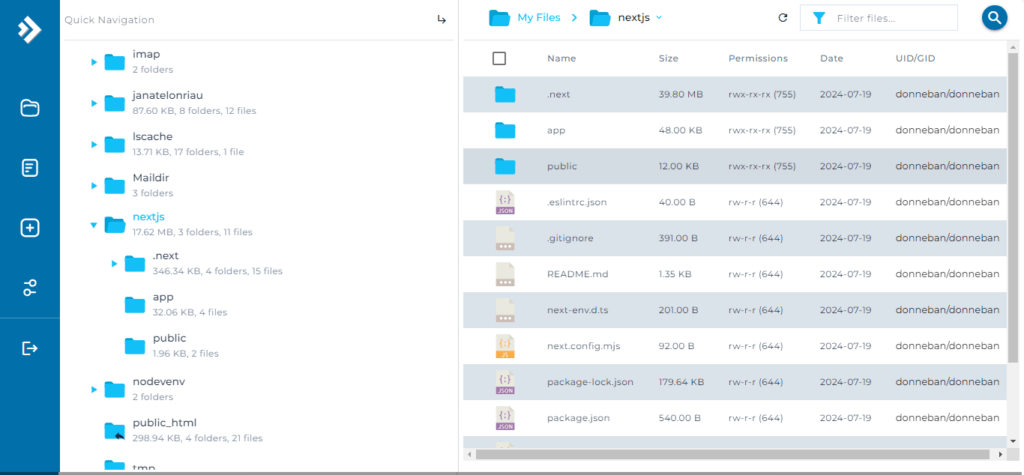
Masuk ke file manager, trus cari folder sesuai dengan nama Application root kita tadi, trus hapus semua file yang ada didalamnya
Upload Project dan Extract
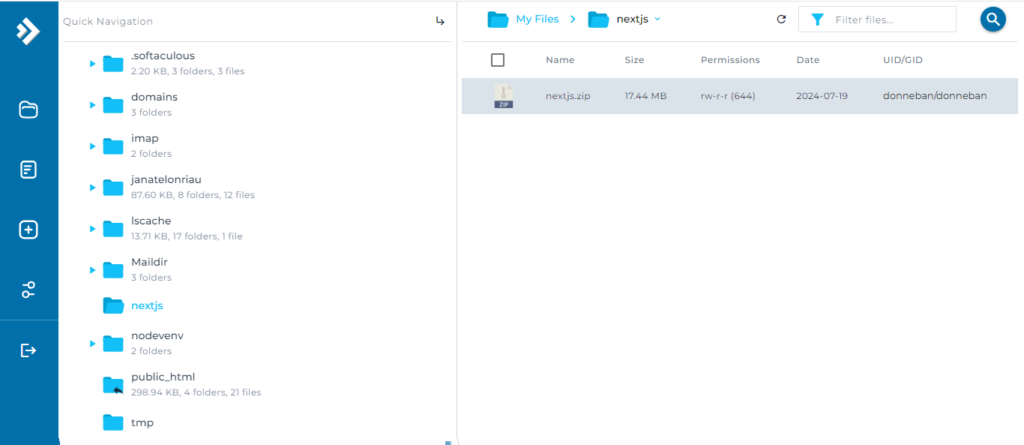
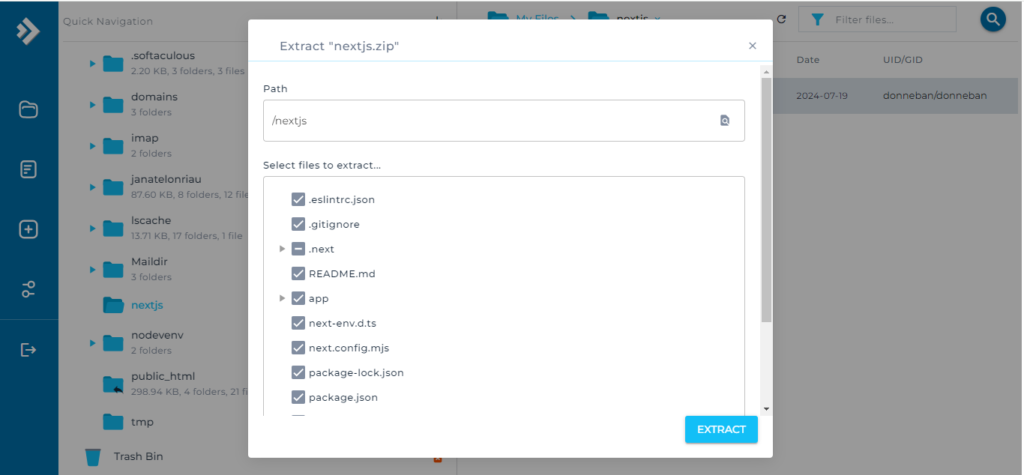
Kemudian upload file yang udah kita zip sebelumnya dan extract.
Masuk ke Terminal
Trus kita masuk ke terminal dan pastekan text kita copy dari Create Apps sebelumnya.
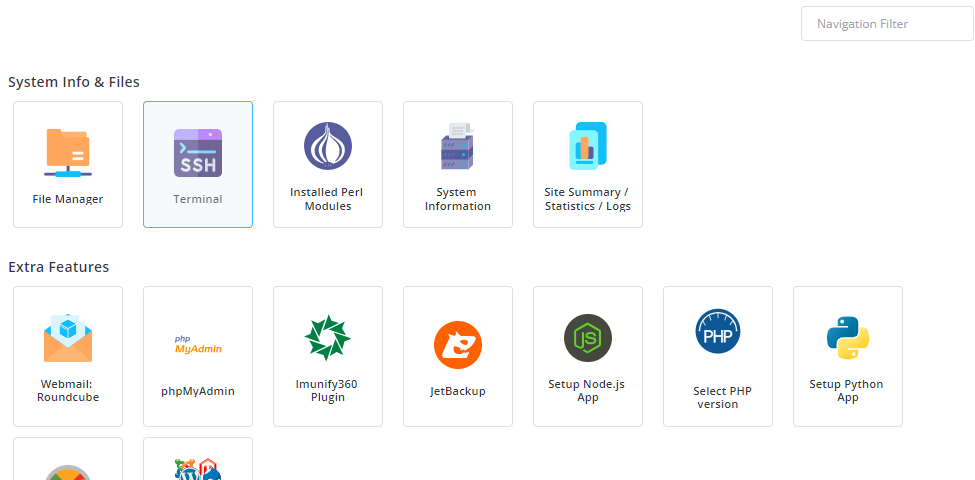
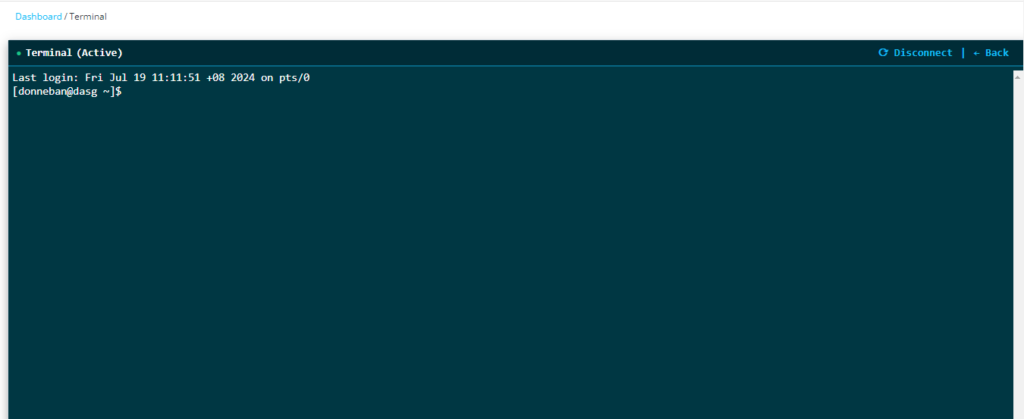
- Selanjutnya kita paste kan text yang di copy dari Create Apps sebelumnya trus tekan Enter, trus pastikan isinya bener dengan ketik “ls“, trus ketik “npm install” dan tunggu sampai prosesnya selesai.

Restart NodeJs
Kalau udah selesai, balik lagi ke Setup NodeJs, pilih Edit Application, trus Restart.
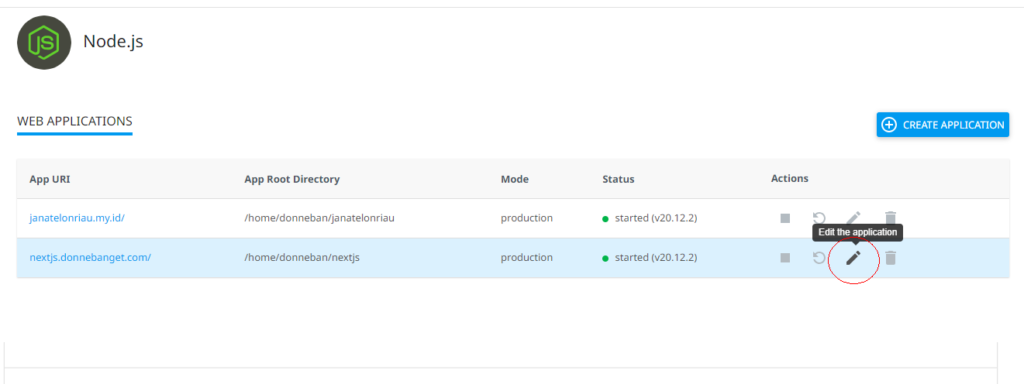
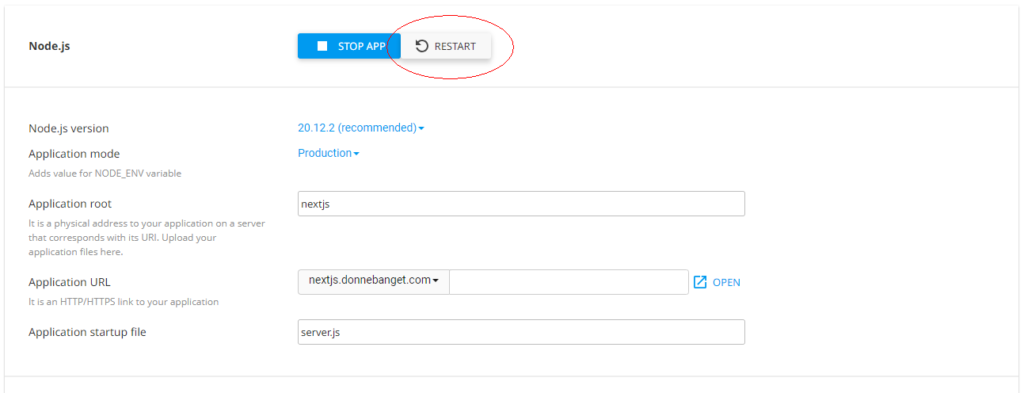
Solusi project tidak muncul
- Sekarang bisa coba dibuka link nya dengan klik OPEN di bagian Application URL
- Selamat! Tampilannya beda dengan yang di local.. Wakakakakaka..
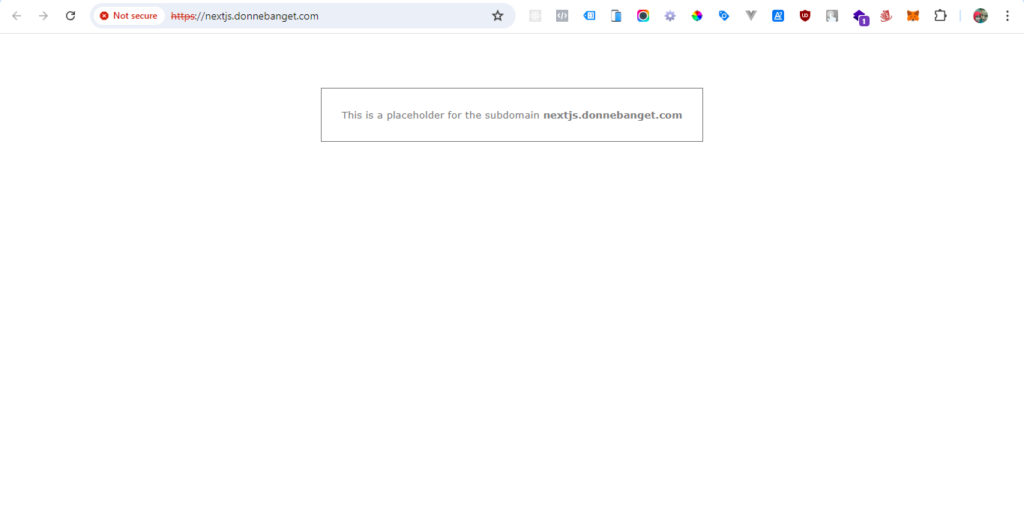
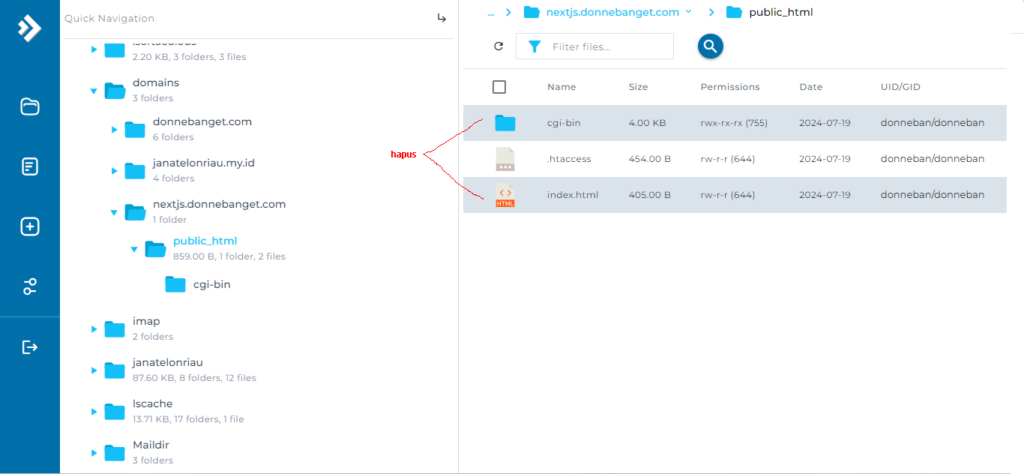
Untuk masalah ini, karna kita belum menghapus file yang ada di domain nya, maksudnya ini tampilan default ketika kita menambahkan Aplikasi Nodejs baru.. Masuk ke File Manager, cari folder domains, cari nama domain yang kita pakai untuk NextJs (disini saya pakai nextjs.donnebanget.com), trus hapus semua file yang ada didalam folder “public_html” kecuali “.htaccess”
Dan setelah itu coba refresh.. Dan selesaaai!
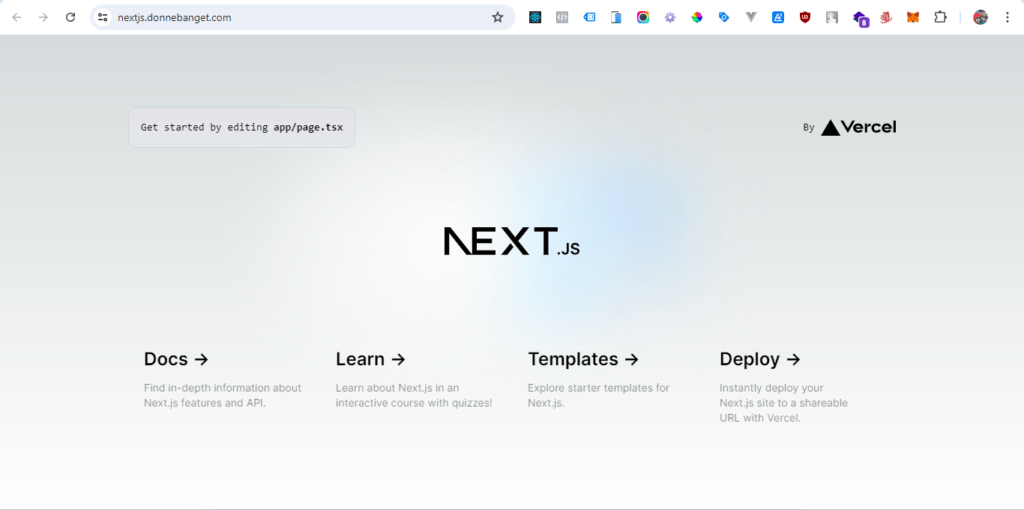
Demikian cara upload NextJS di Direct Admin, semoga dapat membantu!!
Baca juga
- Bikin Next.js Lebih Ringan dengan Jemalloc di Ubuntu 🚀
- Nginx vs Apache vs LiteSpeed: Mana Web Server Terbaik untuk Website Anda?
- Gratis Tapi Powerfull! Ini Dia Alternatif cPanel Terbaik yang Wajib Kamu Coba!